When you click on links to various merchants on this site and make a purchase, this can result in this site earning a commission. Affiliate programs and affiliations include, but are not limited to, the eBay Partner Network.
• Trusted Expertise Since 2011: Chimera Tool, launched in 2011, has become a global leader in mobile repair solutions, making mobile servicing easy and accessible for everyone from beginners to pros.• All-Inclusive Mobile Servicing Solution: The Chimera Tool Premium Dongle, pre-activated with a one-year license, offers full access to top brands and features for large-scale mobile repair, handling up to 100 devices per week.• Unlimited PC Flexibility: Use on any PC with no device restrictions, giving you the freedom to switch computers as often as needed, making it ideal for teams and multi-location setups.• High Capacity & Efficient IMEI Checks: Service up to 5000 phones a year with 100 IMEI checks included, providing seamless support for busy repair centers and advanced mobile service operations.• Convenient Login: Secure, username-free login means no password management—just plug in and start working, allowing for fast, hassle-free repairs with every session.
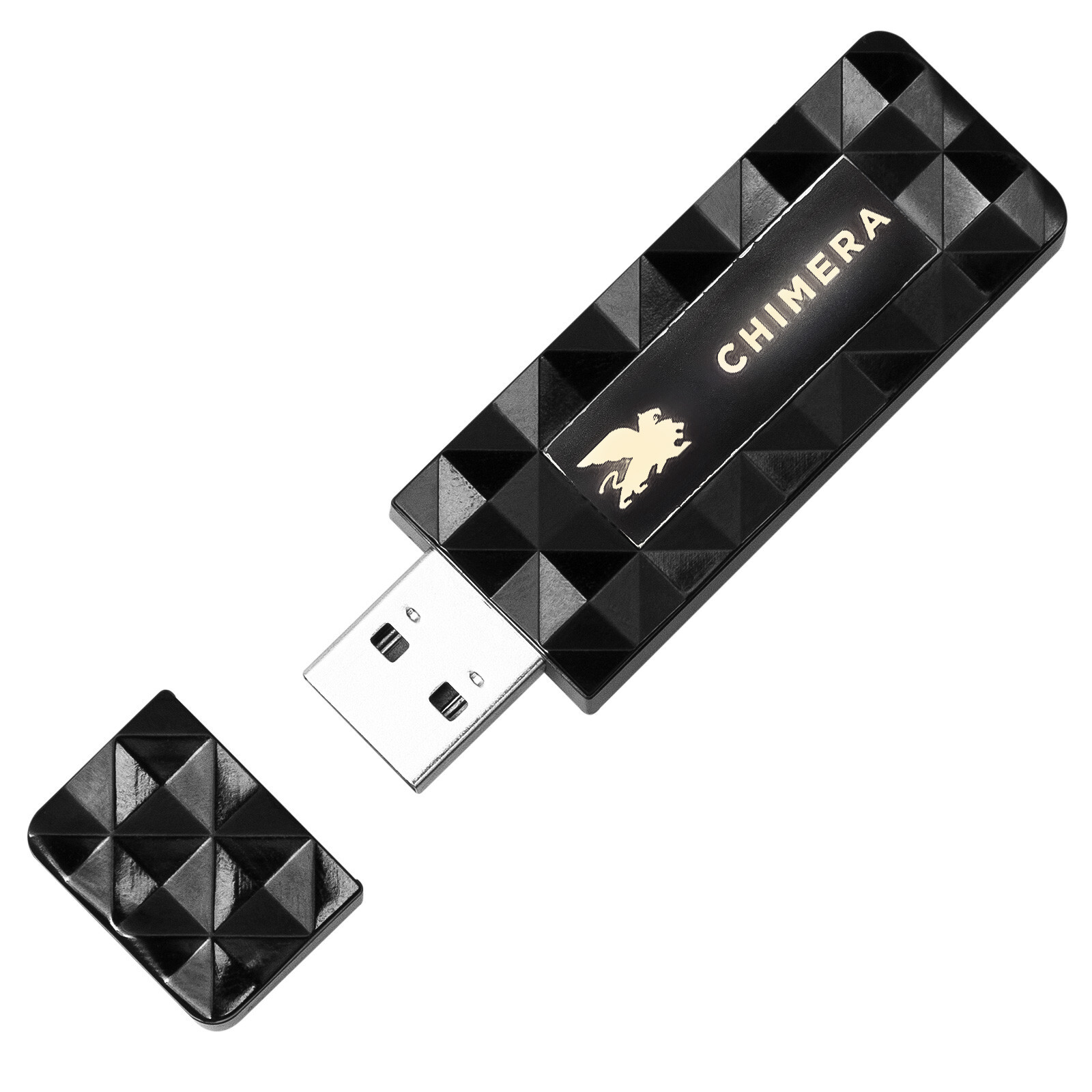
Chimera Tool Premium Dongle is a dongle with a pre-activated Premium License intended for servicing phone models of the top brands on the market.<br>
<br>
The Premium License fits large businesses that need to service up to 100 phones a week.<br>
<br>
This dongle is valid for one year.<br>
Once the access expires, you need to purchase Chimera Tool Professional License if you want to continue using ChimeraTool How many phones you can service per 1 year ---- 5000<br>
• PC changing limit ---- not limited<br>
• IMEI Checks per 1 year ---- Tool Professional Dongle has two useful functions:<br>
<br>
- Log in without username and password<br>
This way, you won`t need to store or remember your password for ChimeraTool usage.<br>
- Carry your license with you!<br>
You can use a license activated on your dongle on any PC and change computers as frequently as you need.<br>
<br>
How to log in on the first use:<br>
<br>
1. Connect your ChimeraTool Dongle to the PC.<br>
2. Start ChimeraTool software. <br>
3. Download here: Click Login.<br>
5. Enter your registered username and password.<br>
6. Click Tool Premium Dongle (activated) - 1 pc.<br><br>