Heat.net Store Home
|
Apple Beats Powerbeats Fit Replacement Left, Right, or Charging Case (4 Colors) For Sale

When you click on links to various merchants on this site and make a purchase, this can result in this site earning a commission. Affiliate programs and affiliations include, but are not limited to, the eBay Partner Network.

Apple Beats Powerbeats Fit Replacement Left, Right, or Charging Case (4 Colors):
$79.99
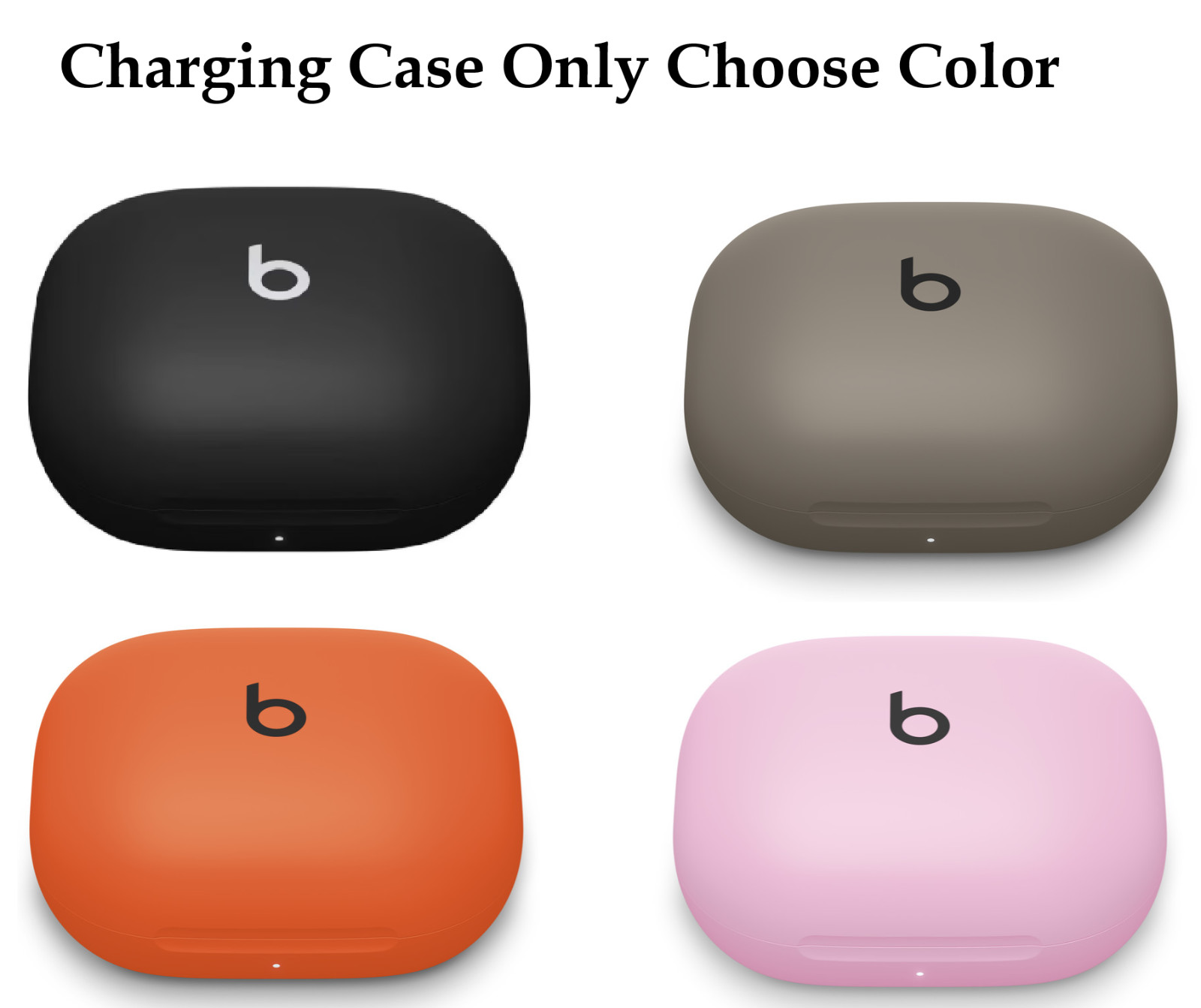
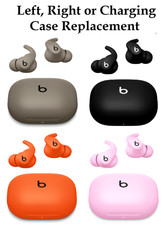
Lost or damaged a single piece of your Beats Powerbeats Fit? Complete your audio setup without spending money on a whole new retail package. These are genuine OEM replacement components compatible with the Powerbeats Fit wireless system. Please use the drop-down menus to select your exact required piece and color match: Component Type: Left Earbud Only, Right Earbud Only, or Charging Case Only Color Options: Jet Black, Gravel Gray, Spark Orange, or Power Pink
Note: These are individual replacement parts intended to integrate with your existing set. Please verify your color choice and model version before purchasing. Our system records the serial Number of each of our productsPLEASE do not attempt to buy & return something differentKey Features Genuine OEM Replacements: Authentic components designed to match your original Powerbeats Fit hardware. Flexible Secure-Fit Wingtips: Engineered for total stability during intense workouts and everyday use. Active Noise Cancelling (ANC) & Transparency: Fully supports listening modes, adaptive sound, and spatial audio features when synced. Sweat & Water Resistant: IPX4-rated protection built to handle intense training sessions and outdoor elements.
How to Sync a Single Replacement Piece to Your Set When introducing a replacement single earbud (Left or Right) to an existing case and original earbud, the internal firmware versions may differ and require a reset to cross-sync: Unpair / Forget Device: Go to your smartphone or tablet's Bluetooth settings, find your Powerbeats Fit, and select "Forget" or "Unpair" to clear the old connection profile. Turn off your device's Bluetooth temporarily. Dock Both Earbuds: Place both your original working earbud and your newly purchased replacement earbud into the charging case. Keep the case open. Check Charge Status: Ensure the case has enough battery power (plug it into a USB-C power source if necessary). Perform a Reset: Locate the system button or follow device-specific reset steps (holding down the multi-function controls/case pairing button for roughly 10 to 15 seconds) until the status light flashes, indicating the internal hardware has reset and linked the mismatched pieces together. Re-Pair to Your Device: Turn your phone's Bluetooth back on. Open the charging case near your device, press and hold the pairing button until the LED pulses, and select your Powerbeats Fit from the available device list to finish syncing.
|
|
Other Related Items:
Related Items:
Beats Fit Pro – Noise Cancelling – Apple H1 – Bluetooth – Open Box $75.99
Apple Beats Powerbeats Fit Replacement Left, Right, or Charging Case (4 Colors) $79.99

Beats Solo Buds True Wireless Apple Class 1 BT Earbuds Special ED - Burnt Orange $59.95
|