When you click on links to various merchants on this site and make a purchase, this can result in this site earning a commission. Affiliate programs and affiliations include, but are not limited to, the eBay Partner Network.
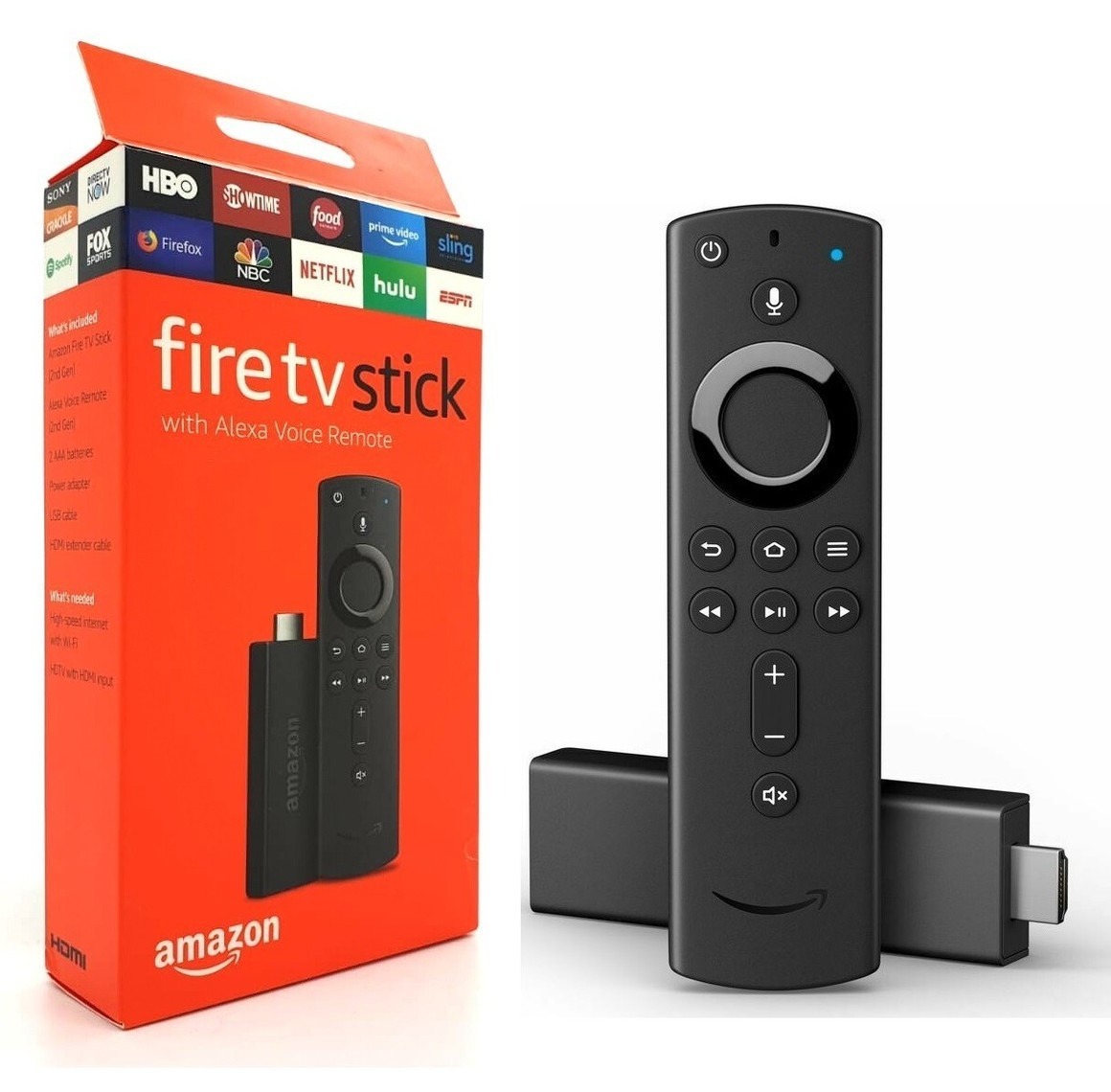
Get EVERYTHING w/ The Amazon Fire TV Stick completely Jbrk with Alexa Voice Remote. Message me with any questions. Box only opened to add to device. Black dongle that allows you to stream your favorite 4, you can easily set up your TV and start watching right away. The built-in Alexa voice control feature allows you to navigate your entertainment options without ever touching your remote. Perfect for those looking to enhance their viewing experience with a sleek and versatile media streaming device.1. Turn on the Fire Stick
Connect it to your TV's HDMI port.
Plug in the power adapter.
Select the correct HDMI input on your TV.
2. Connect to Wi-Fi
Go to Settings → Network.
Select your Wi-Fi network and enter the password.
3. Navigate the Home Screen
Use the directional ring on the remote to move around.
Press the center button to select.
Press the Home button to return to the main screen.
4. Access Installed Apps
Hold the Home button for a few seconds.
Select Apps.
You'll see all installed apps, including any sideloaded apps. ALL APKS I HAVE LOADED HAVE A DISTINCT GREY BACKGROUND. THEY CAN BE FOUND ON THERE FIRST LINE OF INSTALLED APPS ON YOUR MAIN SCREEN, OR UNDER ALL APPS. THE LINE BELOW THE ADS (EX. UK Turks, Clipbox , SportsX ETC.) YOU WILL HAVE ACCESS TO ALL APPS THAT COME STANDARD ON EVERY FIRE STICK, BUT YOU WILL ONLY WANT TO USE THE APPS I HAVE SIDELOAD. YOU WILL HAVE ACCESS TO EVERYTHING THROUGH THESE ADDITIONAL APPS I INSTALL. FEEL FREE TO REACH OUT IF U HAVE QUESTIONS.